Automate your
team schedule

TurnShift is a Slack application to share and schedule recurring tasks with your team.

Spreadsheets are boring, internal tools are buggy. Use the right shift scheduling tool.

14-day free trial. No credit card required.

We respect your privacy: TurnShift can't read your messages or list private channels.
😍 The smart team
calendar is here
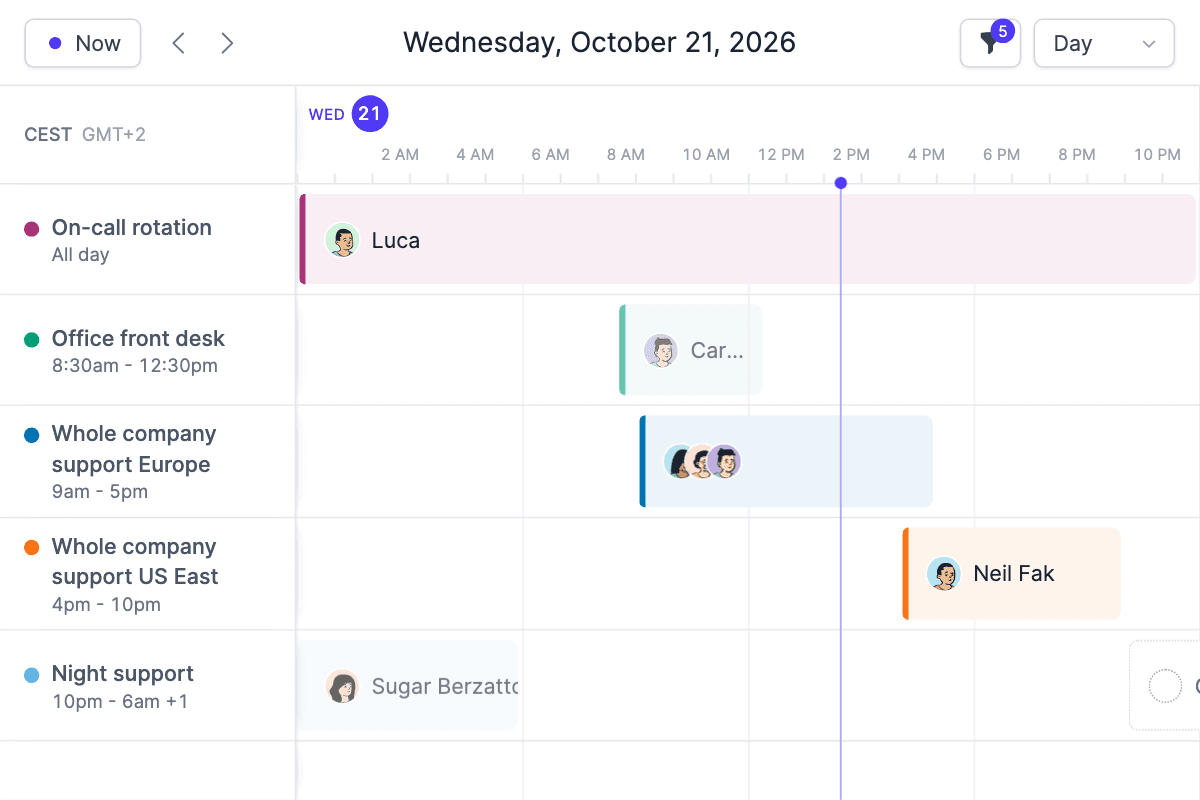
Screenshot of the TurnShift UI
🗣 Customers

We use TurnShift to share Algolia's customer support duty with 50+ engineers. Previously we were using an internal tool but nobody wanted to maintain it on top of their work.

TurnShift ensures our support schedule is fully booked, up to date, and remind people to show up on time.

Switching to this tool was a relief, and now multiple teams are using it: win!

Our engineering team provides internal support. We started with a shared Google Calendar. It was super easy to setup but required a lot of manual actions to keep it up to date.

We also wanted Slack notifications, so we tried TurnShift and haven't looked back since then.

We even cheer up folks on duty when they get mentioned by the TurnShift bot :)

Here's how
TurnShift works 👇

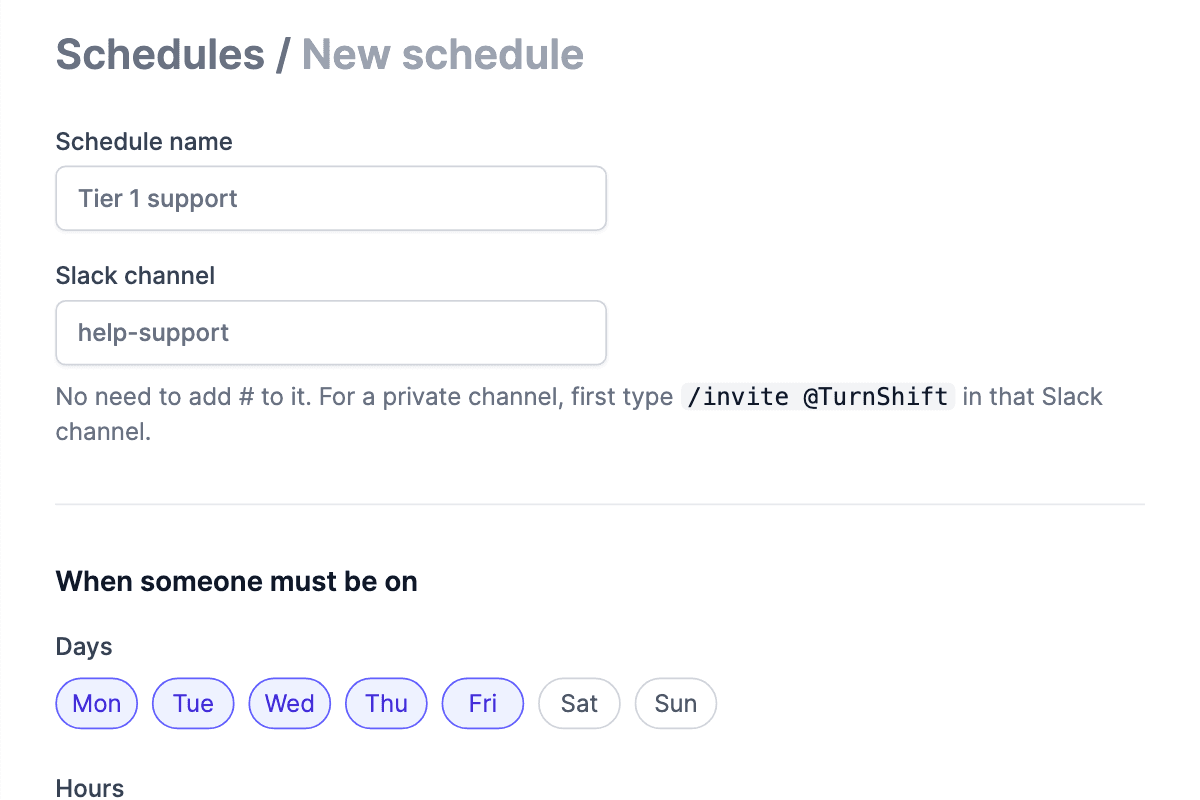
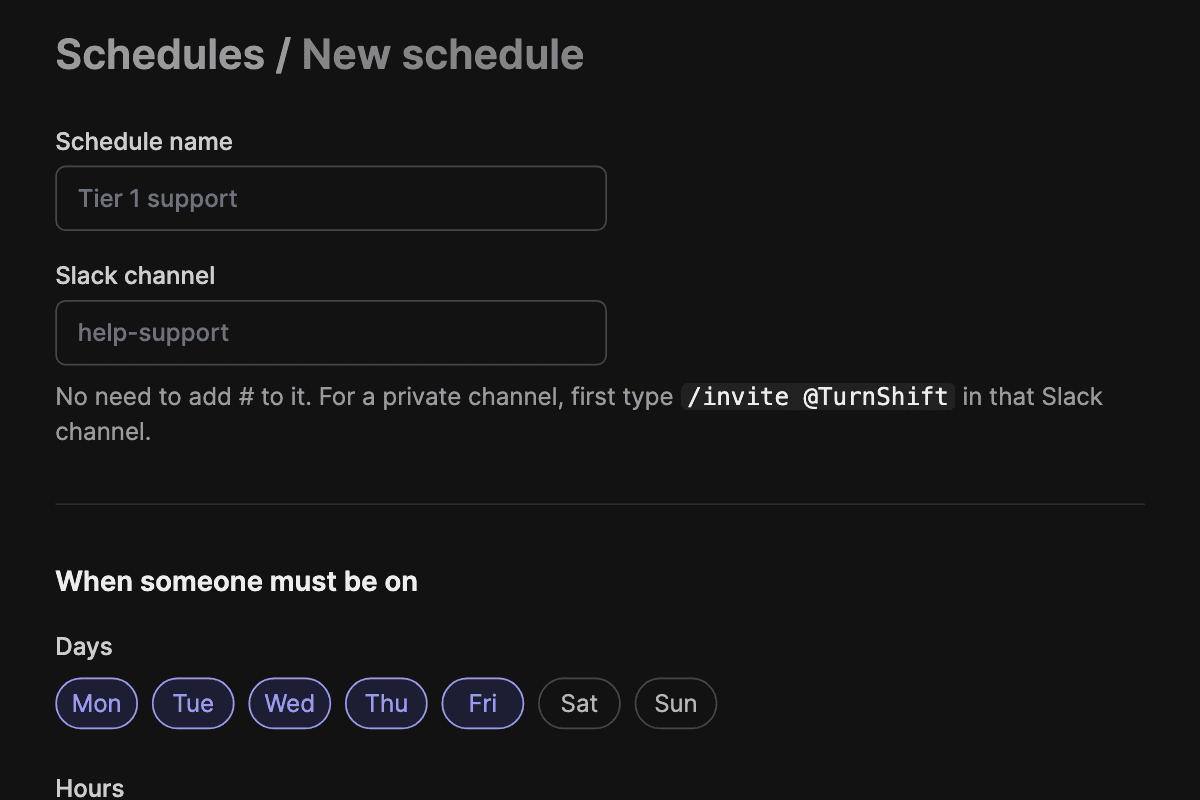
Create Shift Schedules

Create one shift schedule per need. If you want to handle your API team's support and whole-company support, they will have their own space, and configuration.

Screenshot of the shift schedule edit page

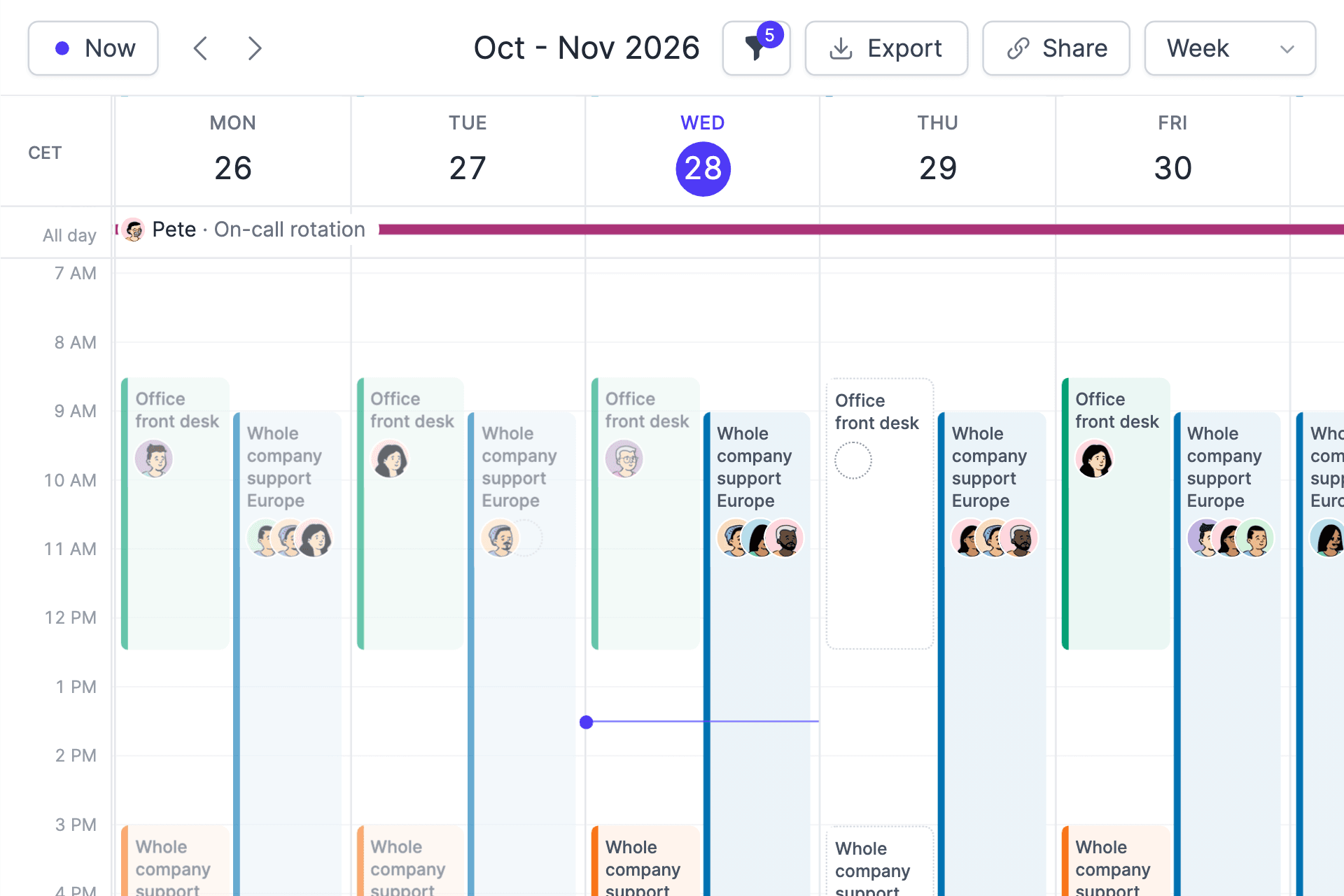
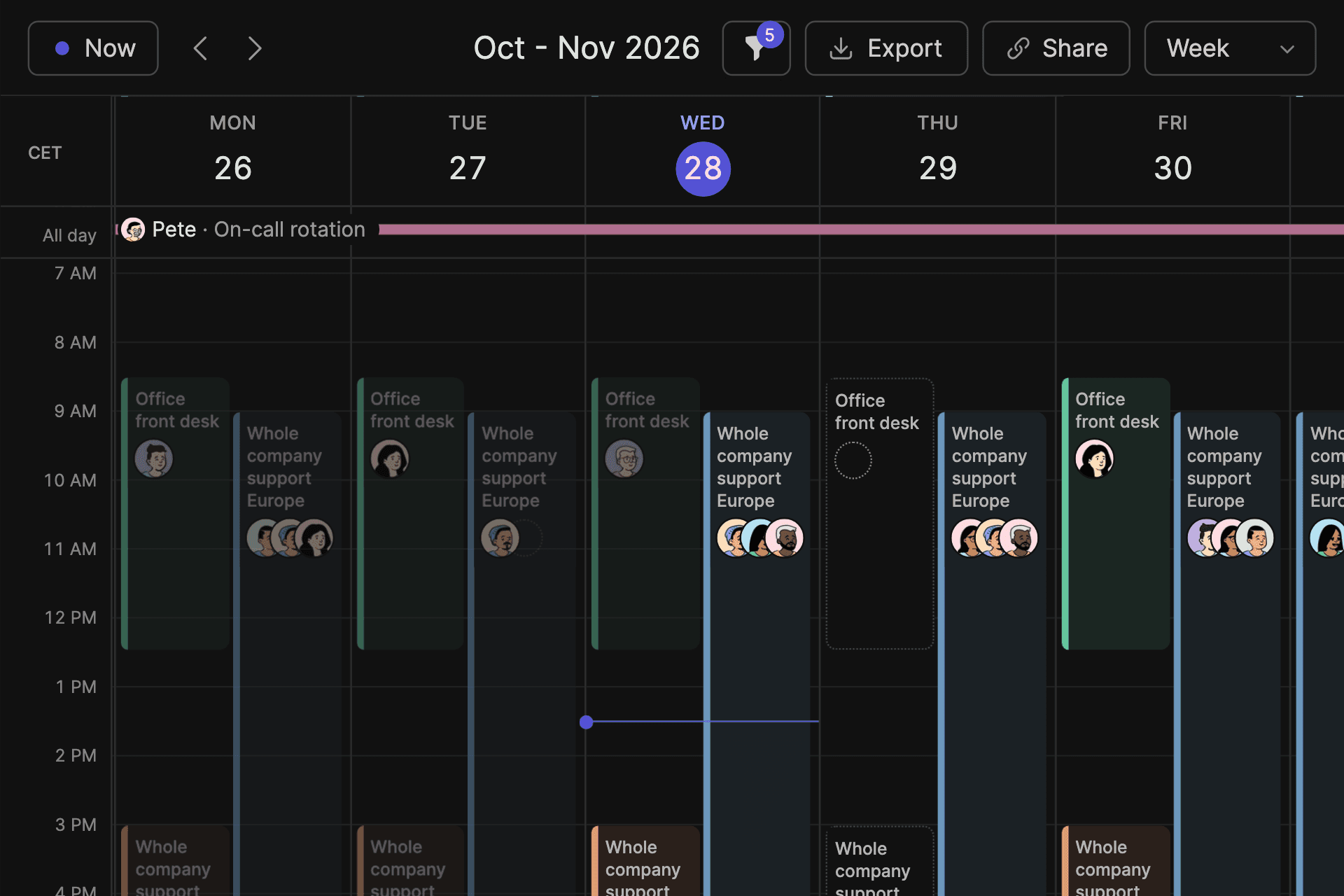
See Every Schedule In One Calendar

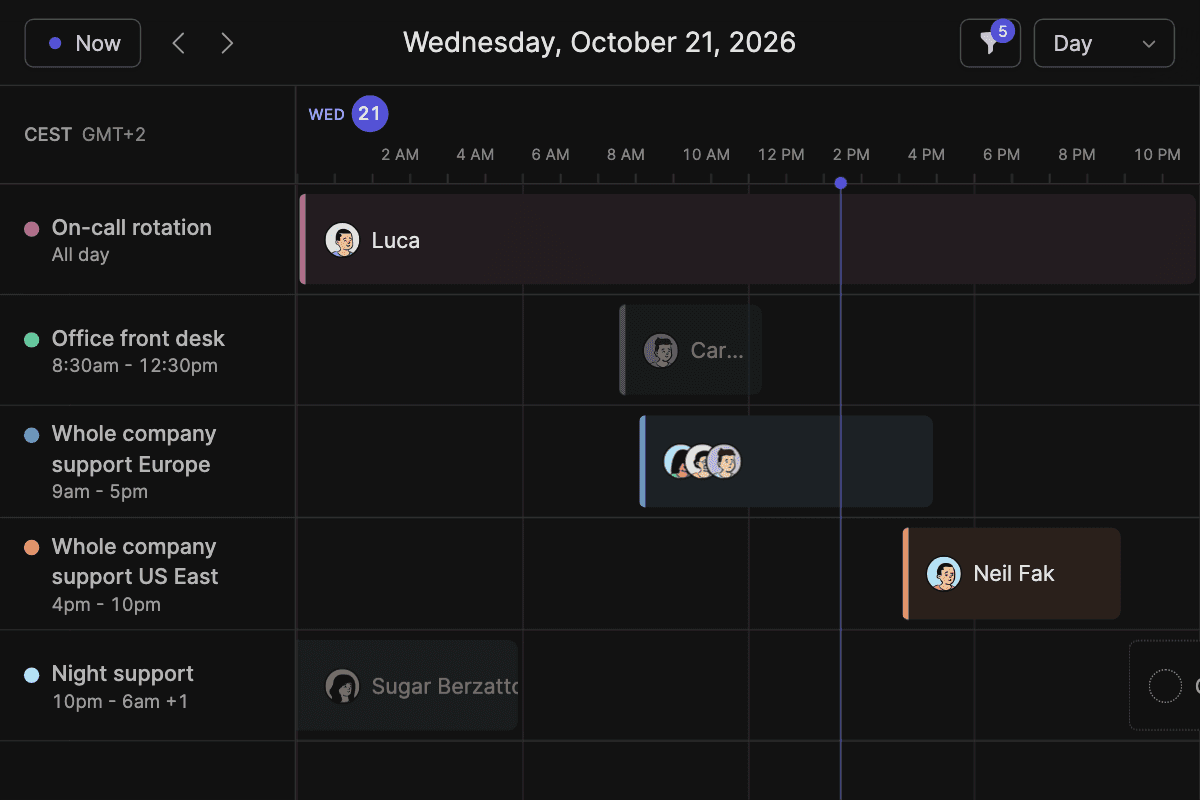
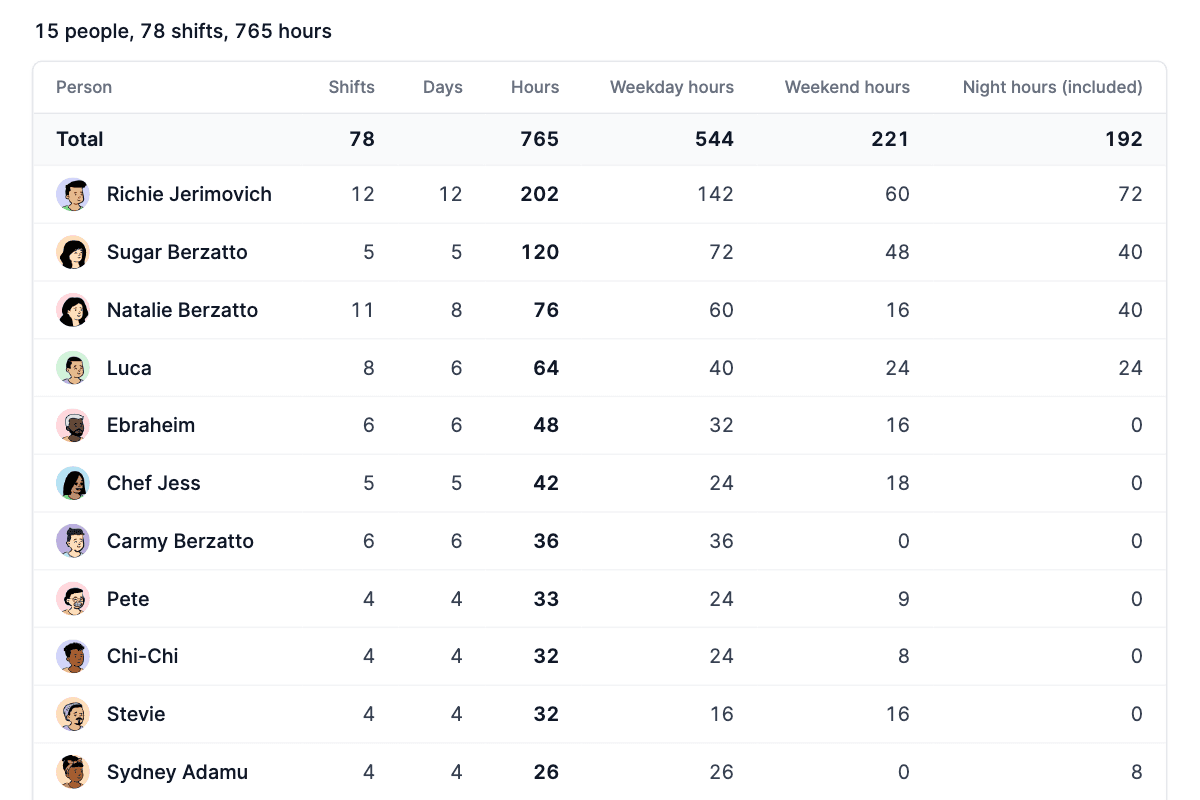
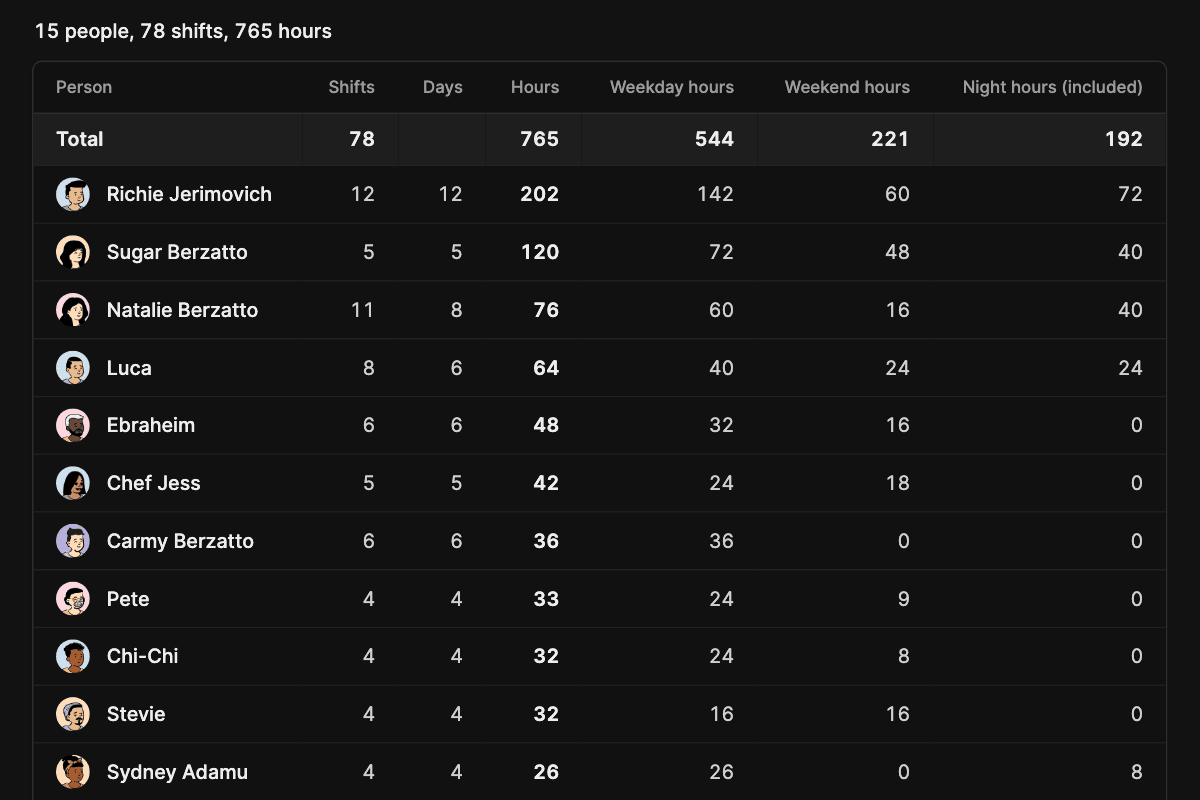
Switch between day, week and month views to see every schedule at a glance, and hide schedules you do not need. Each shift shows who is on it.

Screenshot of the TurnShift calendar week view

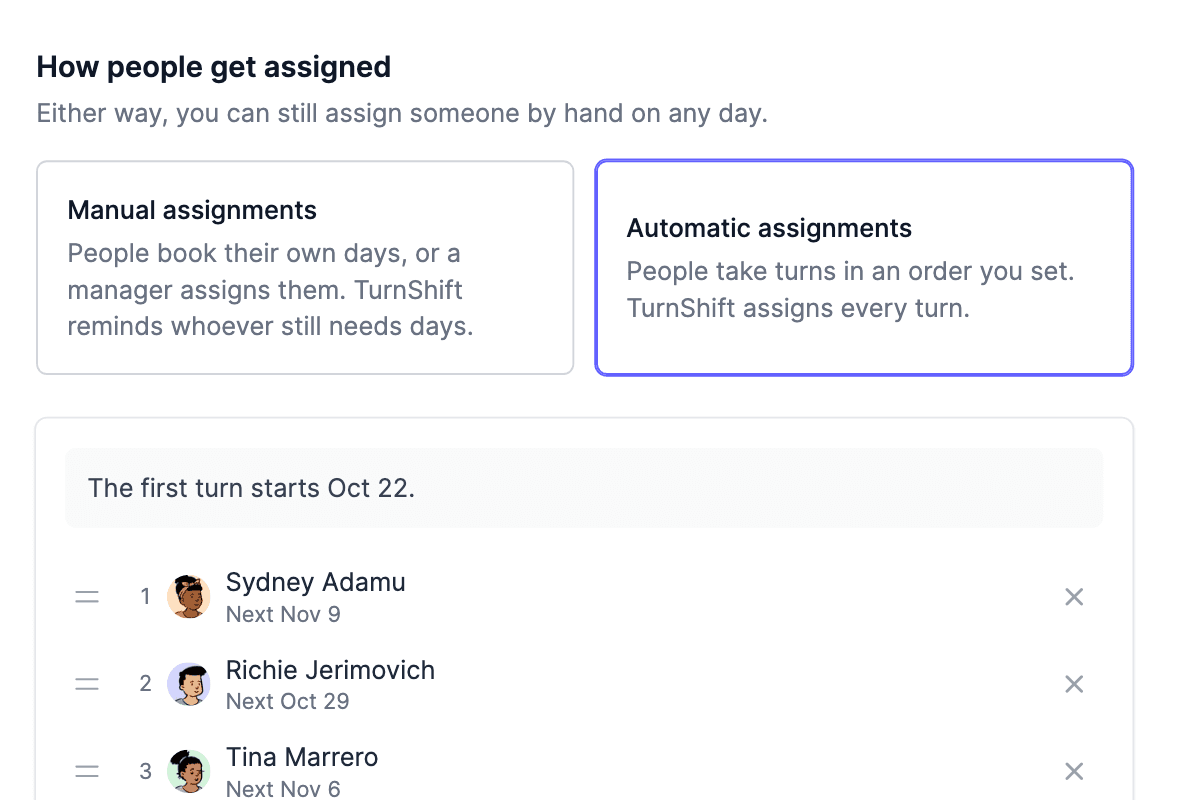
Assign Teams and Slack Users

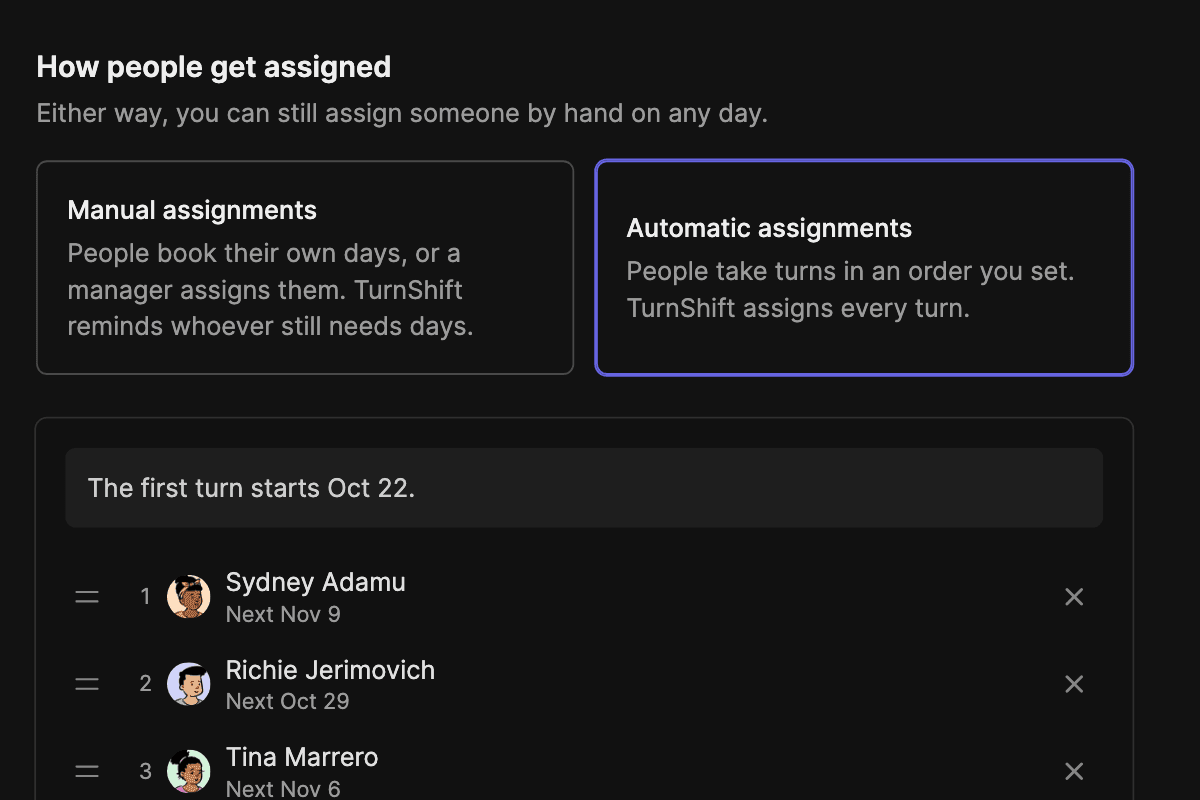
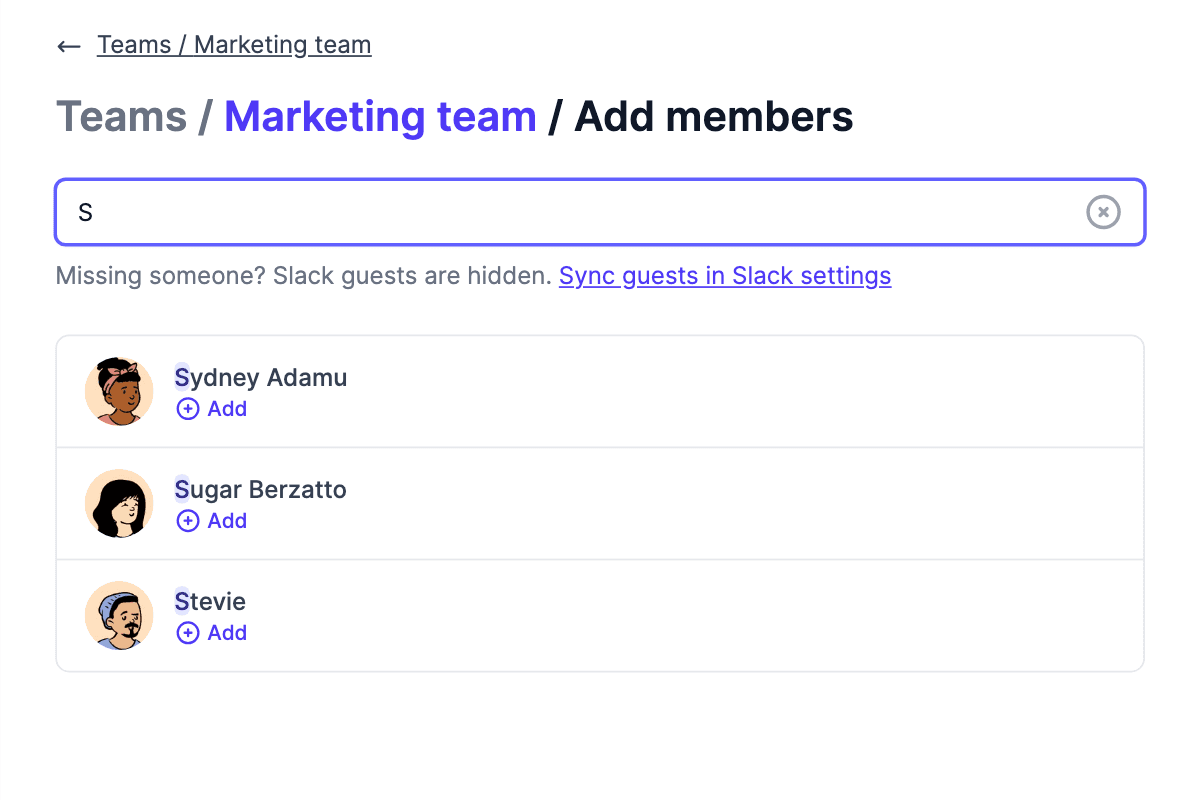
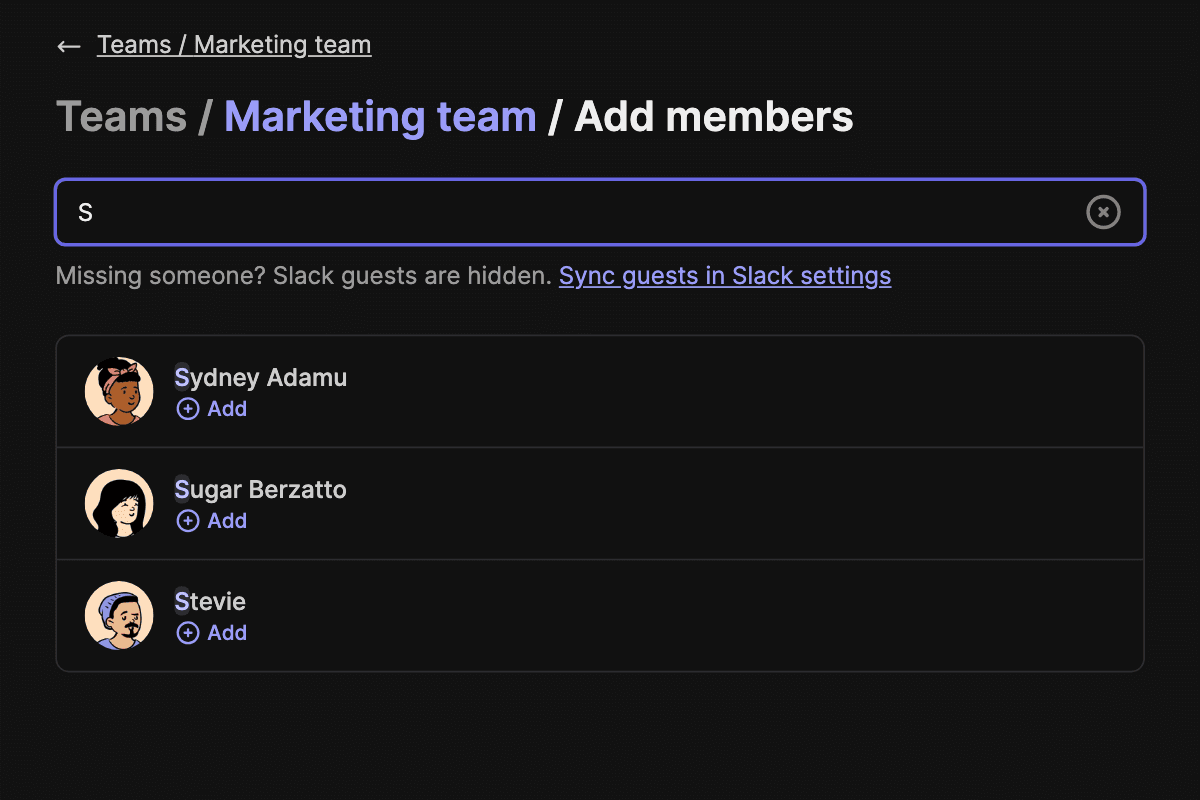
TurnShift stays in sync with your Slack user lists so you can easily create teams and add users to them. Select several days on the schedule to assign one person, or auto-assign the open shifts evenly across the team.

Screenshot of the team members edit page

Get Slack Notifications

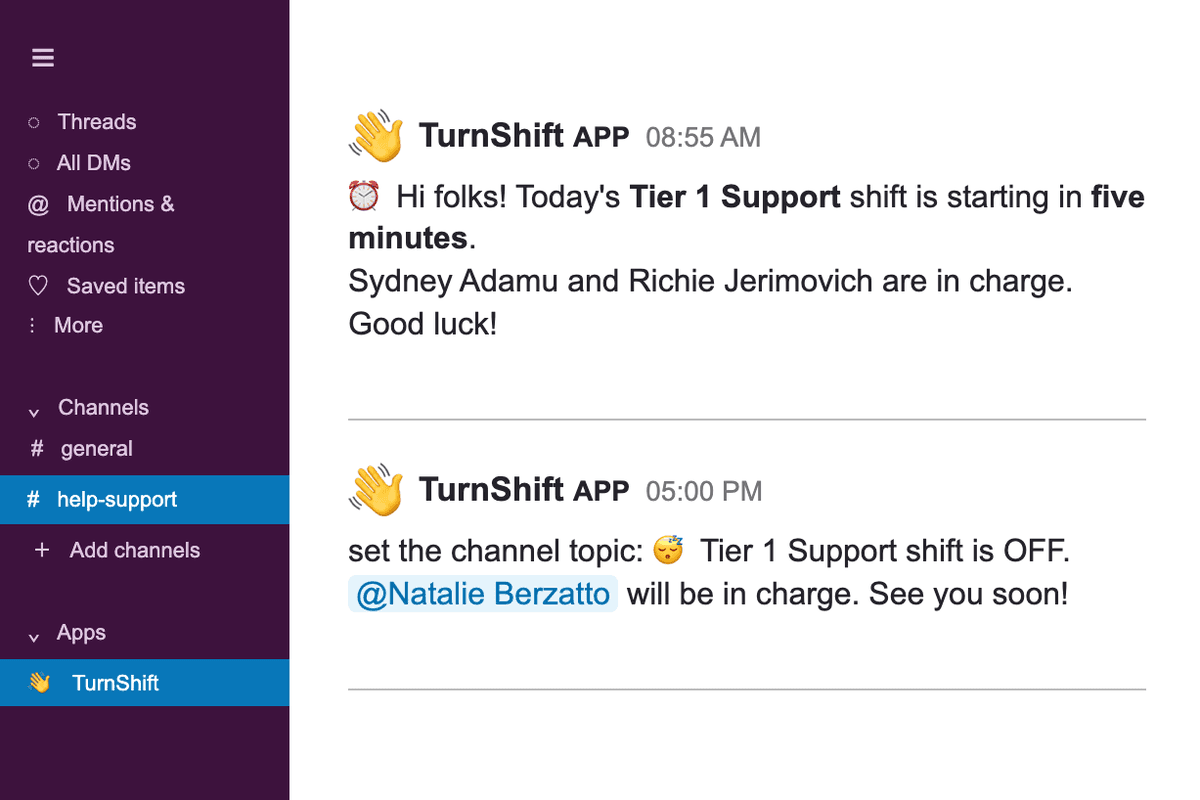
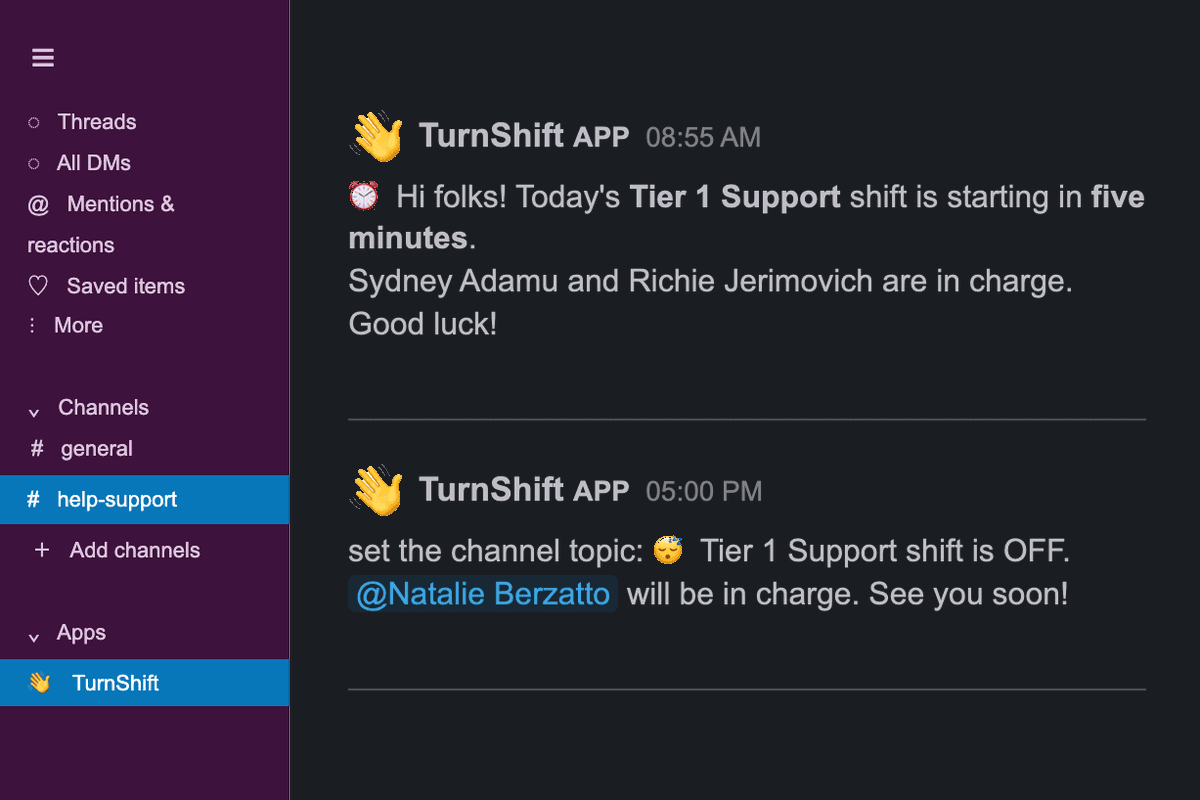
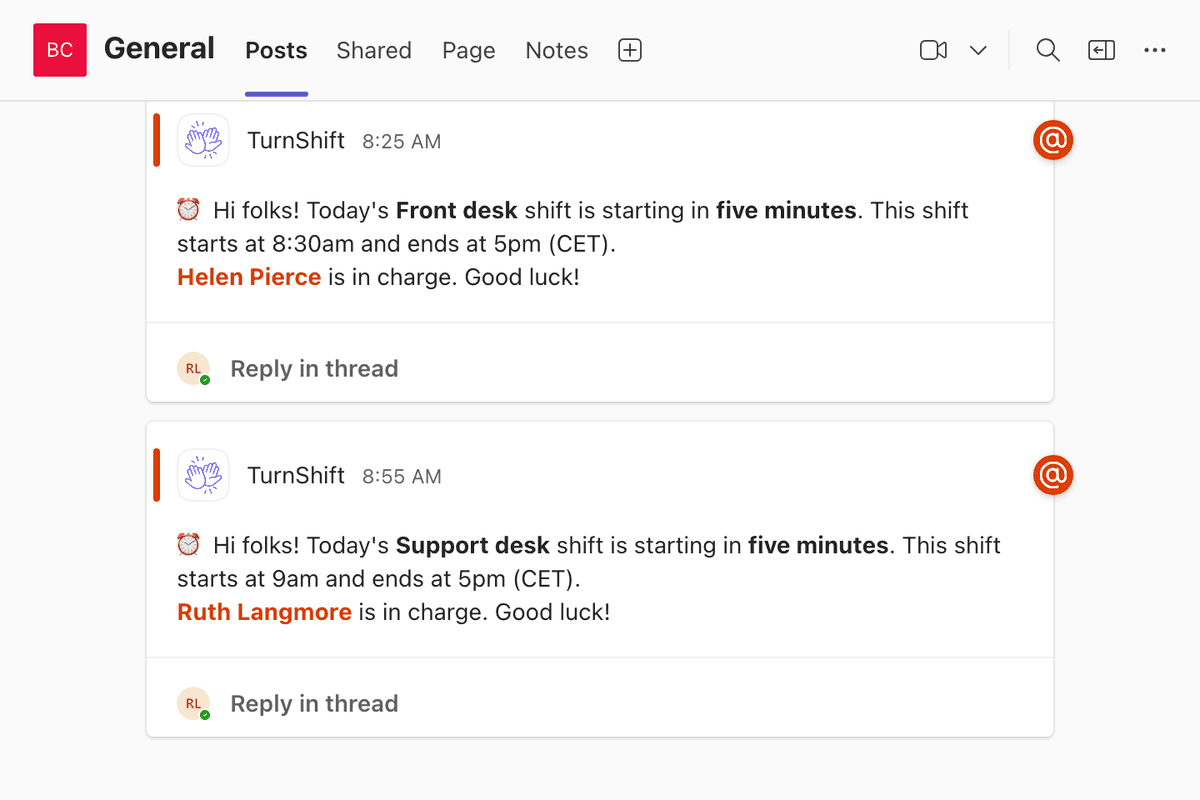
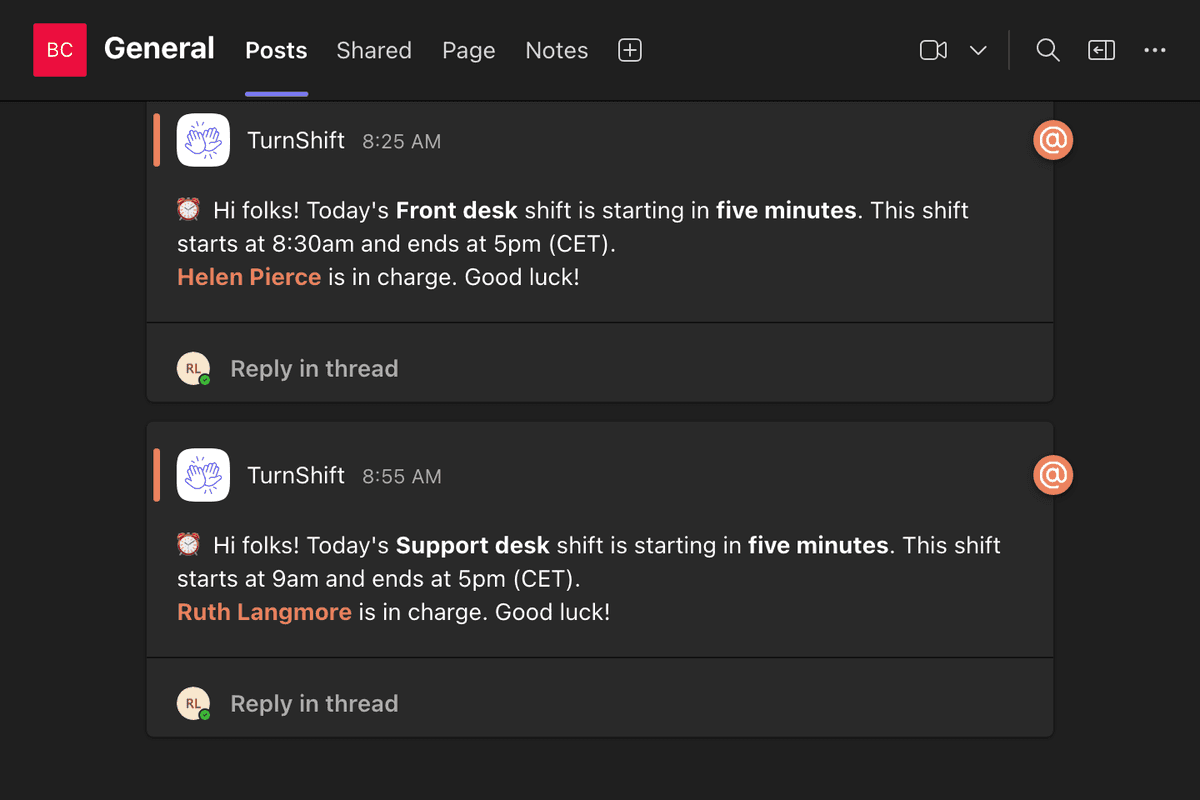
Every day, right before a shift start, TurnShift sends Slack notifications to channels, direct messages to assignees, and updates the topic with who's on shift. Add a custom note to shift start messages. Each person can mute their own TurnShift direct messages from the dashboard or Slack App Home, while channel messages keep posting.

Screenshot of a booking reminder Slack notification sent by the TurnShift Slack application

Receive Booking Reminders

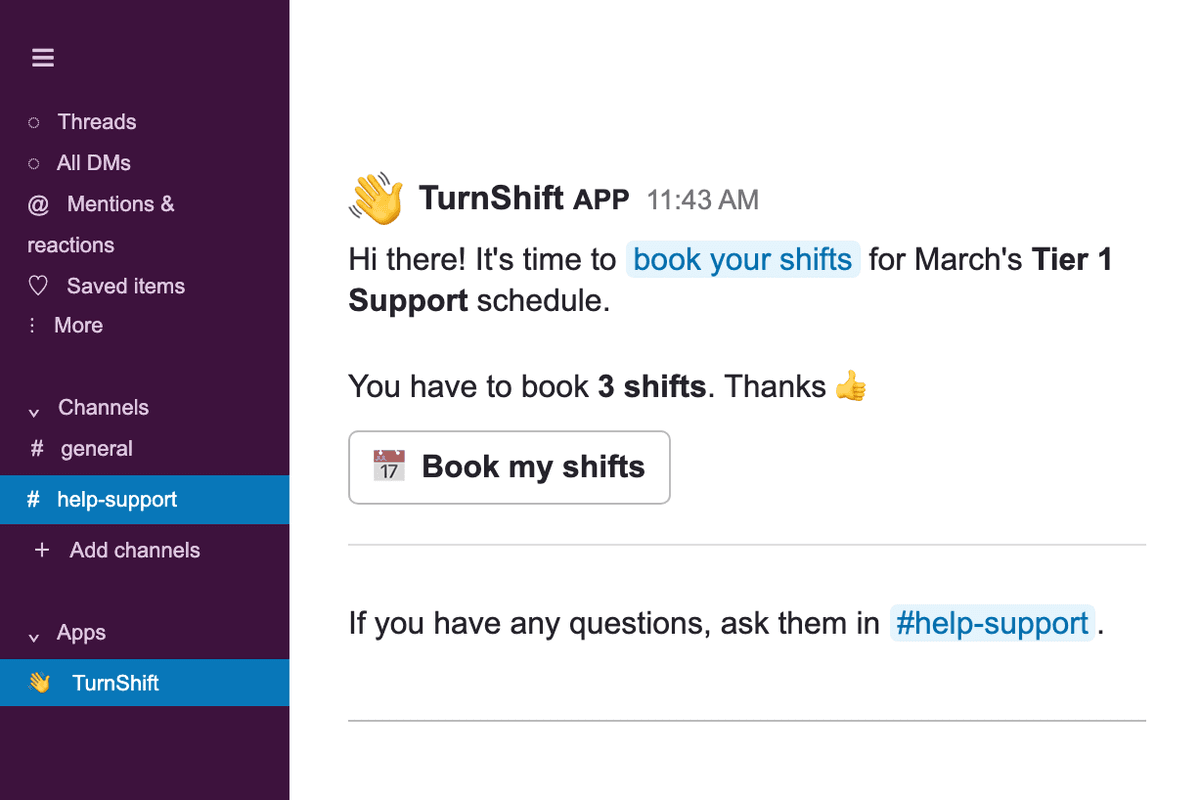
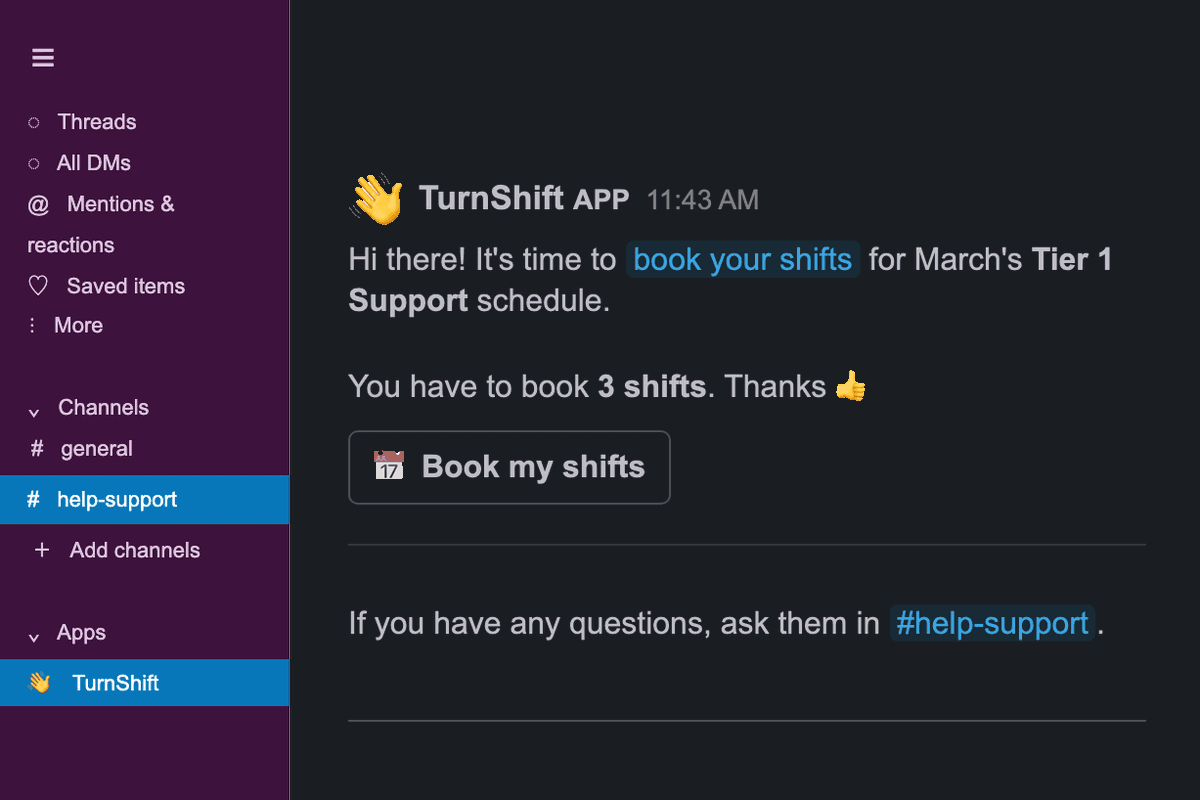
When it's time to book shifts again, TurnShift will send Slack notifications only to the required team members.

Booking should never be a struggle, that's why we use magic links: click on the "Book" button and you're already logged in.

Screenshot of a booking reminder Slack notification sent by the TurnShift Slack application

Know Who Is On Shift Right Now

See running schedules and the people assigned from your dashboard or the Slack App Home. If nobody is assigned, TurnShift tells you that too.

Screenshot of the On shift now section of the dashboard

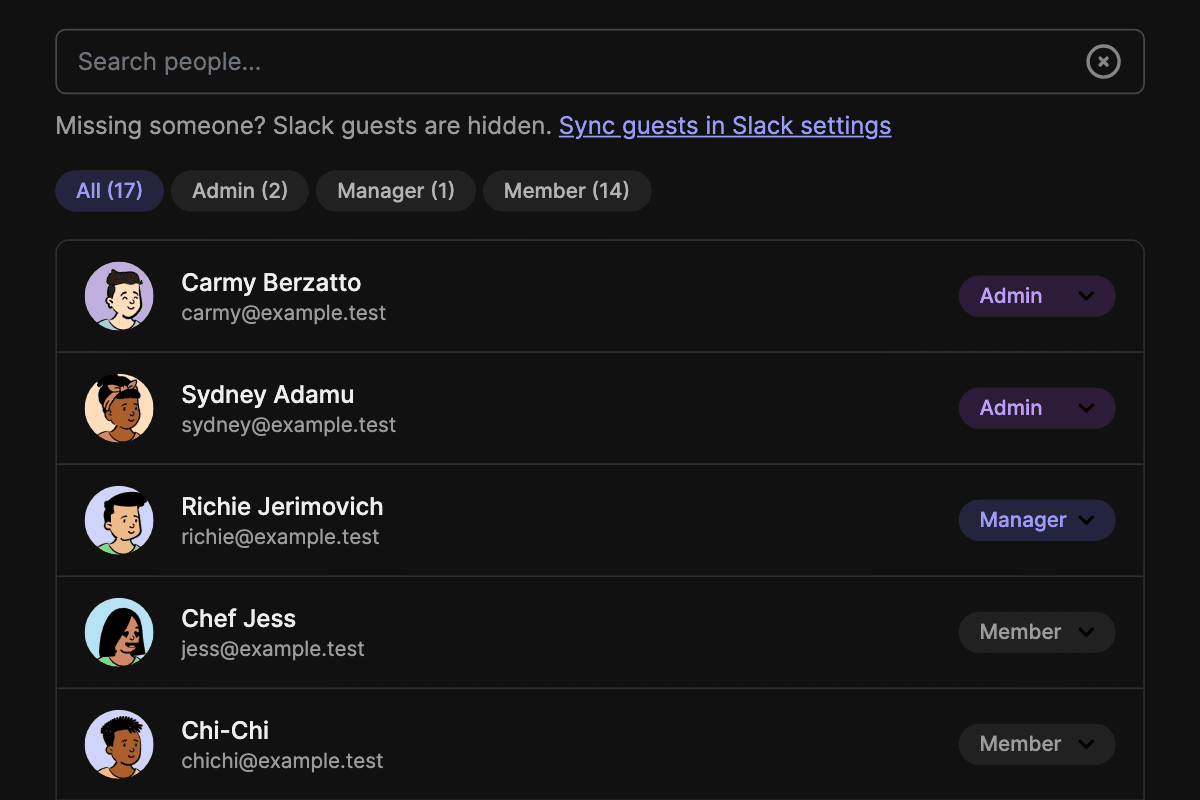
Decide Who Can Change Schedules

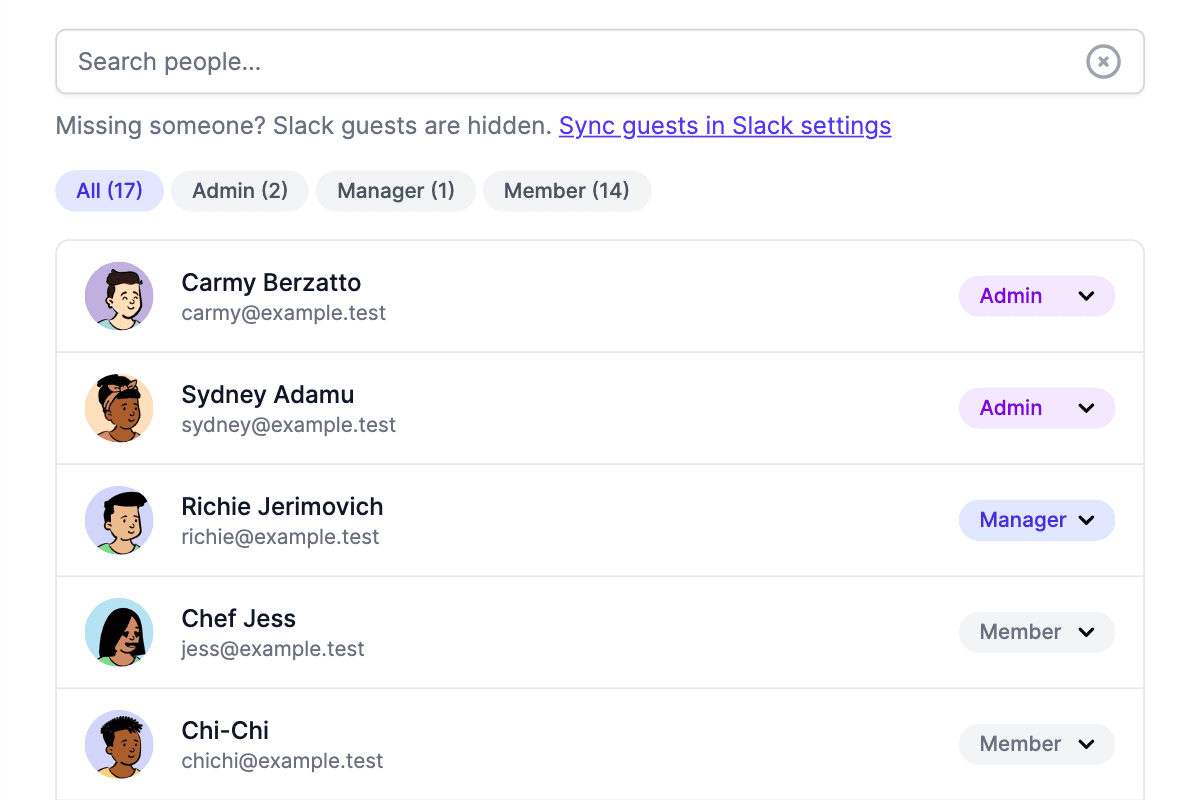
Admins run the organization, managers create schedules and assign anyone, and members book their own shifts.

Some teams would rather sort shifts out between themselves. Mark a schedule as open and everyone can assign and unassign anyone.

Screenshot of the TurnShift users page showing admin, manager and member roles

Automate It With The API

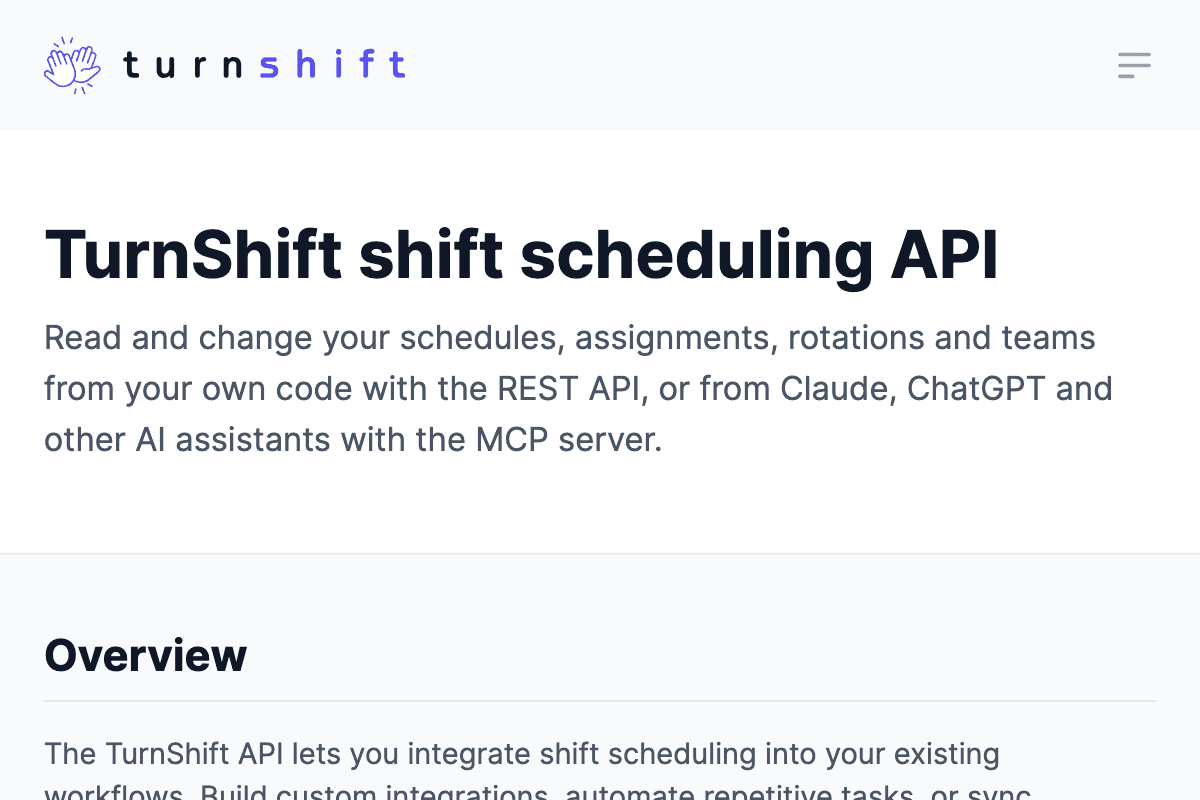
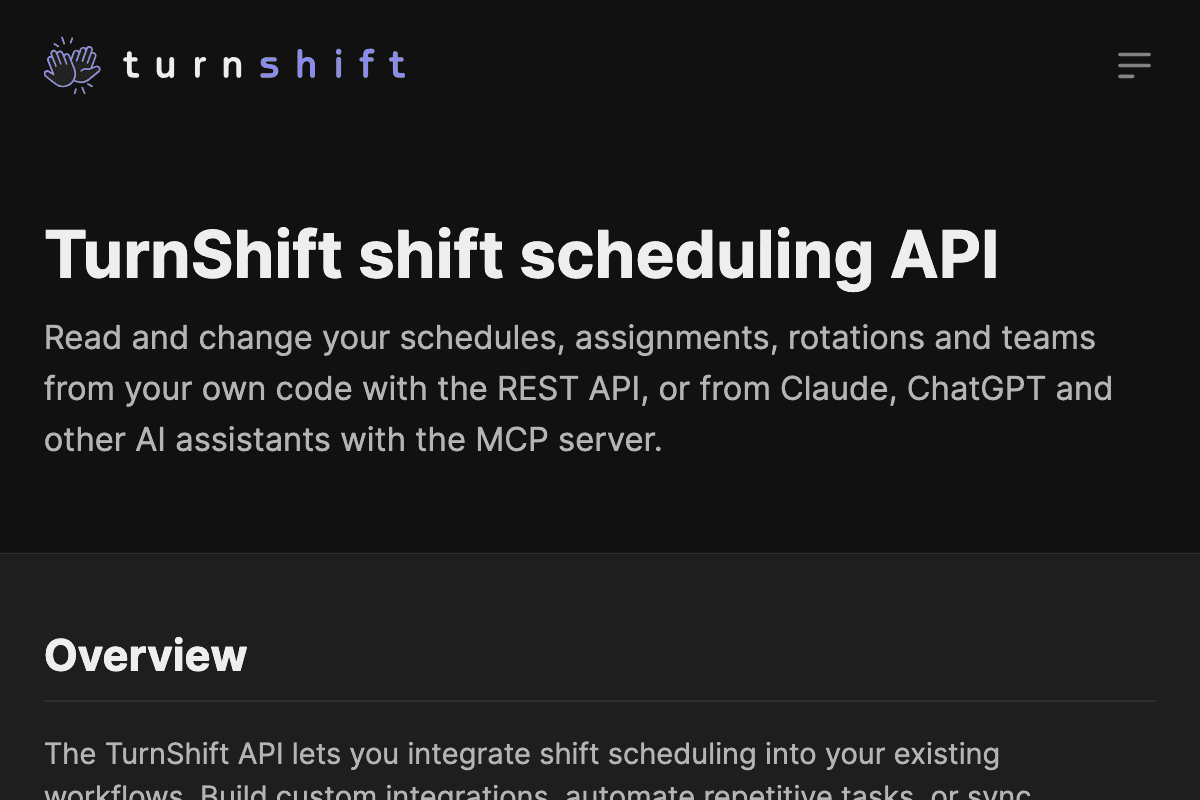
Create schedules, book shifts, manage teams and set roles over a REST API, so TurnShift fits into your onboarding and your own tools.

You can also manage schedules from an AI agent like OpenCode, Claude Code, Cursor, or Codex over MCP.

Grab your organization token in the settings and read the API documentation.

Screenshot of the TurnShift API documentation
Simple Pricing
Annual billing (2 months free)

Start Scheduling Shifts for
€3.50 / user / month

Includes every current and upcoming feature. We charge for active users only.
Need enterprise pricing? Contact-us.

14-day free trial

Everything you need

  • Unlimited shift schedules
  • Unlimited teams
  • Slack synchronization
  • Smart notifications
  • Time Zone support
  • Calendar sync (soon)
  • Holiday detection (soon)
  • Auto-booking (soon)

Frequently asked questions